Freemium Plan
The Freemium plan lets you start using Matchbook AI right away with a fixed set of defaults. Your plan, user seats and record allowance are shown in the portal, and advanced features are visible but not available.
Freemium Account Banner
A banner is displayed at the top of the screen on every Freemium account so you always know which plan you are on.
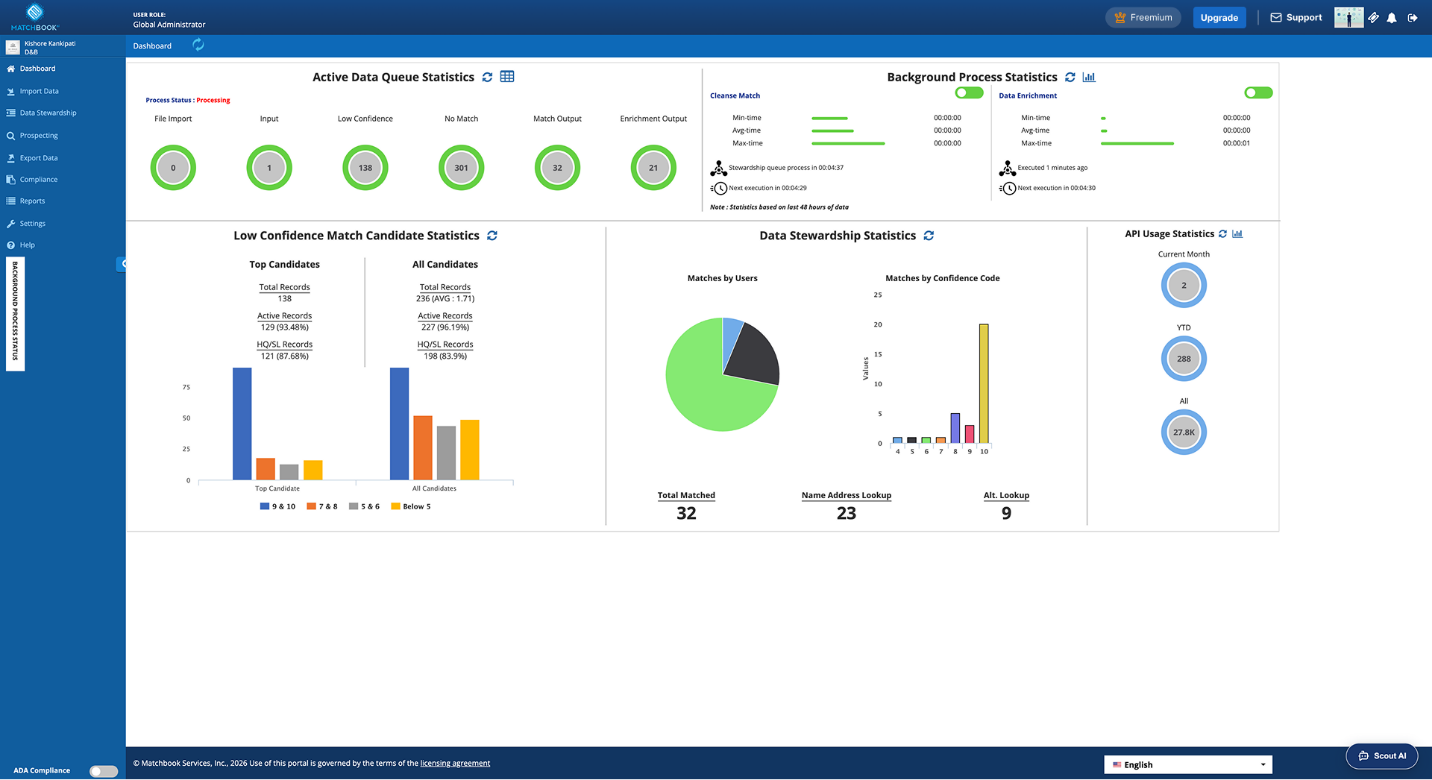
Freemium Account Banner
View Your License Details
Go to Settings > About Us.
Review the license details for your portal. Edition shows FREEMIUM.
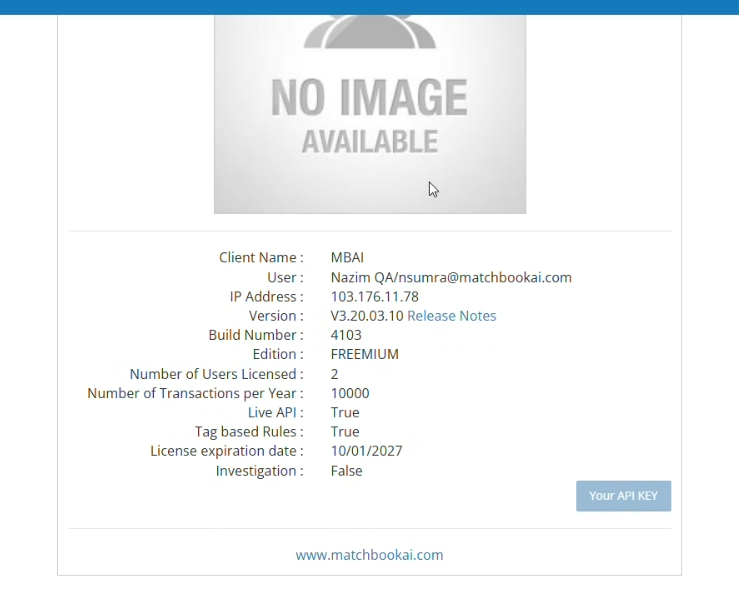
Settings-About Us
Field |
Description |
|---|---|
Client Name |
Your organization’s name in Matchbook. |
User |
The signed-in user. |
IP Address |
The IP address you are connecting from. |
Version / Build Number |
The portal version and build you are using. A Release Notes link opens the release notes. |
Edition |
Your plan. Shows FREEMIUM. |
Number of Users Licensed |
The number of user seats included in your plan. |
Number of Transactions per Year |
The number of records you can process per year. |
Live API |
Whether live API access is enabled (True or False). |
Tag based Rules |
Whether tag-based rules are enabled (True or False). |
License expiration date |
The date your license ends. |
Investigation |
Whether D&B Investigations are available (True or False). |
Your API KEY |
Opens your API key. |
Note
To increase seats or records, or to turn on features shown as False, contact sales@matchbookai.com.
Current Plan and Upgrade
The Current Plan pill in the top navigation shows your plan name (for example, Freemium).
The Upgrade button appears next to it for Freemium users only.
To compare plans:
Click Upgrade. The plan comparison opens, showing Freemium, Essential, Professional and Enterprise, with your plan marked Current Plan.
Click and more… on a plan card for more details.
To upgrade, click the email link under Interested in upgrading your plan? It opens an email to sales@matchbookai.com.
Click Close to return.
Note
The comparison is read-only. Upgrades are handled by the sales team, not in the product. If plan details do not load, “We couldn’t load your plan details. Please refresh the page.” is displayed.
Preset Configuration
Your portal is created with fixed settings, so you can import data without configuring anything.
Area |
Freemium setting |
|---|---|
Data levels |
Company Info, Hierarchy & Connections, and People/Contacts. Cannot be changed. |
Output layout |
One standard layout. Cannot be customized. |
Country group |
All Countries. |
Auto-acceptance |
Fixed default thresholds based on D&B confidence codes. |
Identity resolution rules |
Basic rules (exclusions, basic auto-acceptance) are available. Advanced rules are greyed out. |
Data integration |
Disabled. |
Common and export settings, encryption key |
Greyed out. |
Data purge |
Records are purged automatically 7 to 15 days after export. Cannot be changed. |
Settings That Are Not Available
Settings outside the Freemium plan are visible but greyed out. If you try to change one, “This setting isn’t available on the Freemium plan.” is displayed.